For Party Invite Profit Studio buyers

Add Pro and Get PrintableZilla Free

Already bought the studio through my link and clicked past the Pro upgrade? You can still add it.

Pro now comes with PrintableZilla: 285 done-for-you printables with private label rights, ready to edit in Canva and sell as your own.
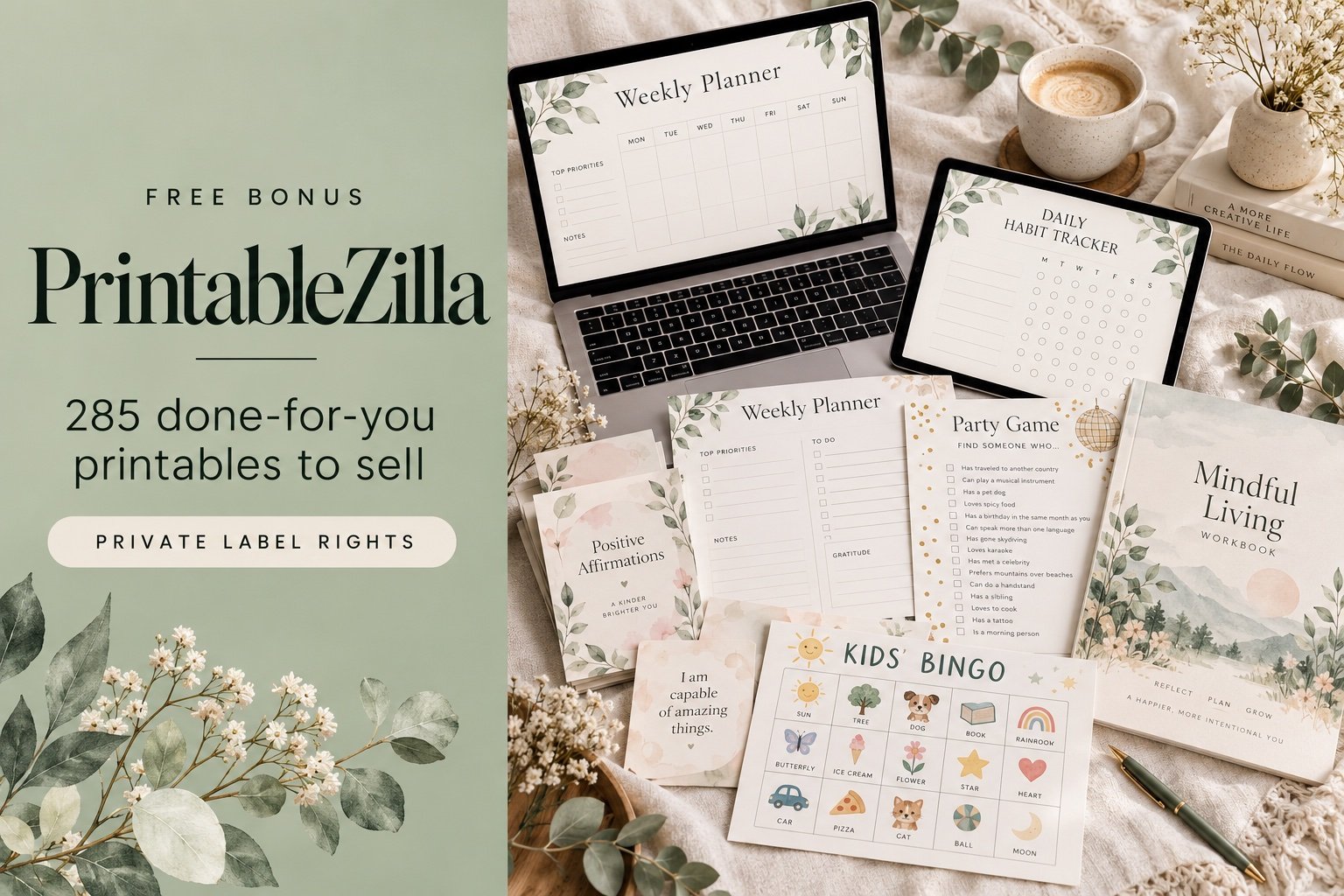
PrintableZilla: 285 done-for-you printables to sell
Do these 2 steps in order. Opening my link first is what connects your Pro purchase to me, and that's what puts PrintableZilla on your purchase page. Go straight to the upgrade and the bonus won't show up.

Add the Pro upgrade

Pro adds a 2x upscale inside the studio, plus all my Pro bonuses: PrintableZilla and the Invite Shop Launch Kit.

1

Open this link and just let the page load.

You already own what's on it, so don't buy it again. Opening it is all that's needed.

Open step 1 →
2

Now come back and grab Pro.

Your Pro bonus link appears on your WarriorPlus purchase page right after you pay.

Get the Pro upgrade →
3

Open your Pro bonus link, then claim PrintableZilla.

Sign in to your Printable Party members area and click "Claim PrintableZilla free". Your PrintableZilla login arrives by email.

4 things that make it work

  • Same browser, one step right after the other. Not your phone for one and your laptop for the other.
  • Don't use a private or incognito window for one step and a normal one for the other.
  • Do both steps close together, not step 1 today and step 2 next week.
  • Don't buy the studio again in step 1. You already own it.

If your bonus link doesn't appear after step 2, don't buy anything else. Just get in touch with my support team and we'll sort it out.